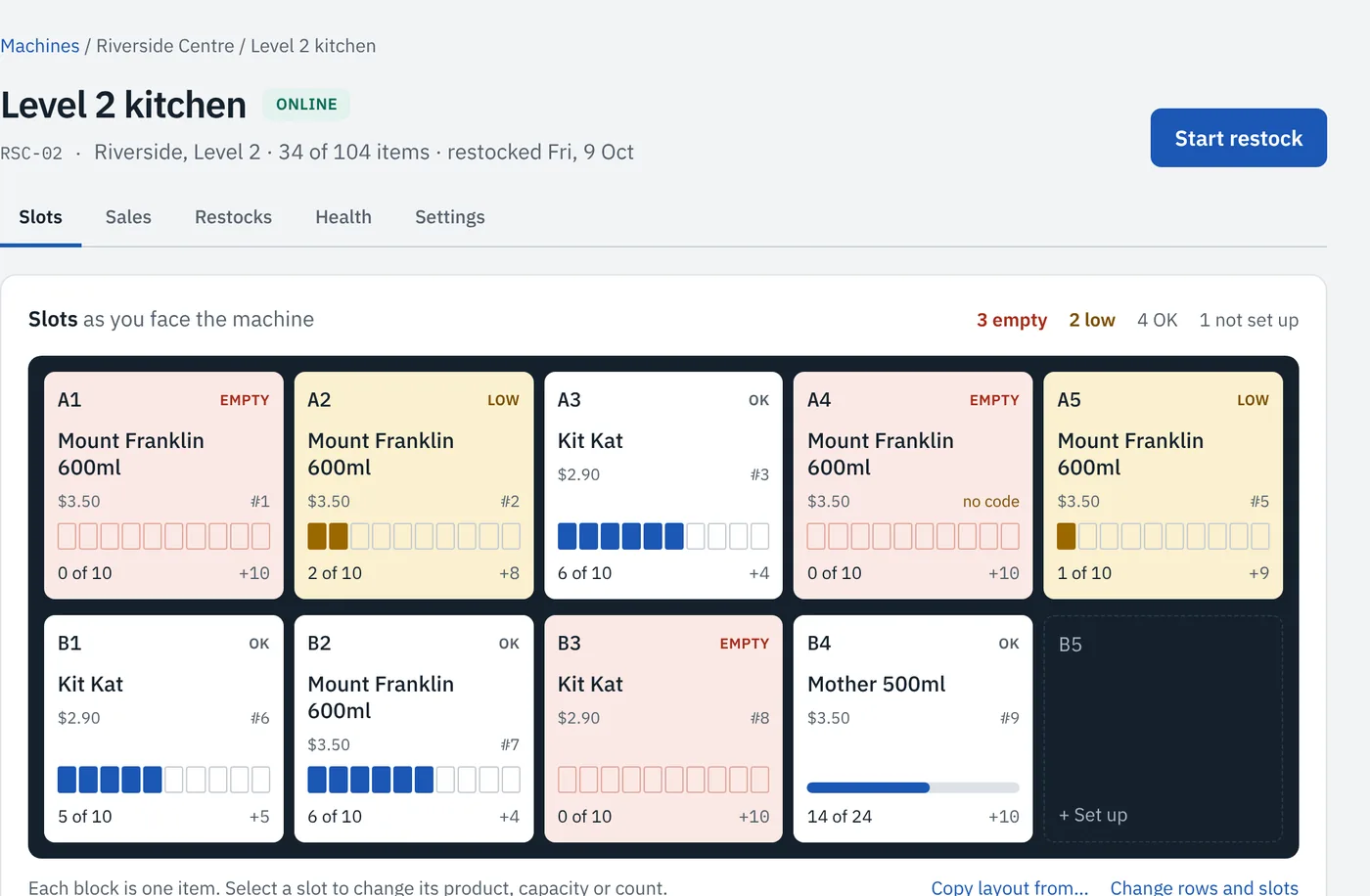
Every machine, slot by slot
See what each slot holds, what sold, and what is empty, laid out as you face the machine.
Workplace vending, made in Australia
Staff tap a fob, the sale goes on their employer's account, and each client gets one invoice.
Staff tap their fob to buy. Forgot it? The QR code on the machine lets them buy from their phone.
Each purchase is checked against that person's spending limit and allowed hours, then recorded against their employer.
At month end each client is emailed one invoice for what their staff took. No coins to collect, no card fees to reconcile.
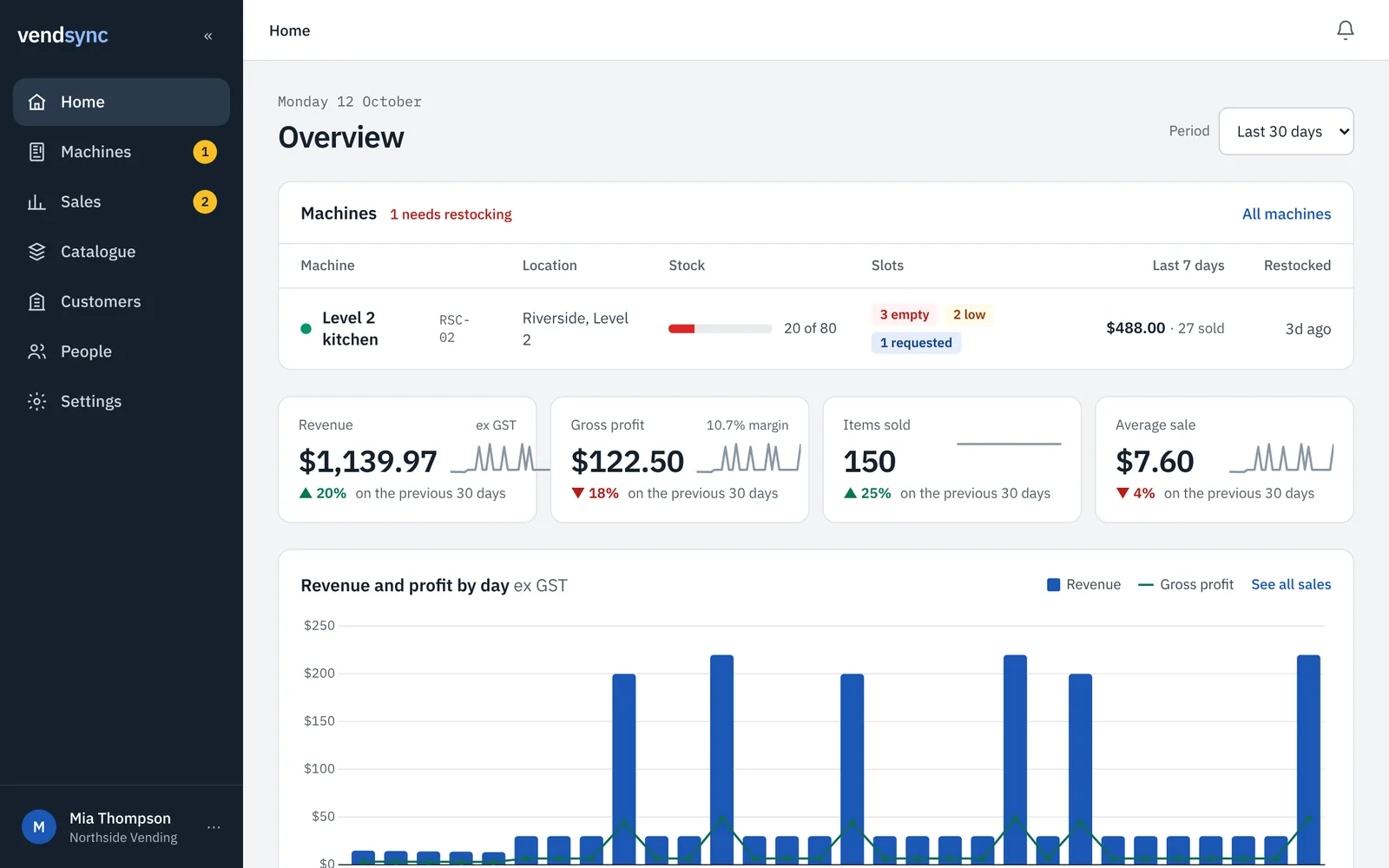
Sales, stock and machine health arrive as they happen, so the van leaves with the right load.
See what each slot holds, what sold, and what is empty, laid out as you face the machine.
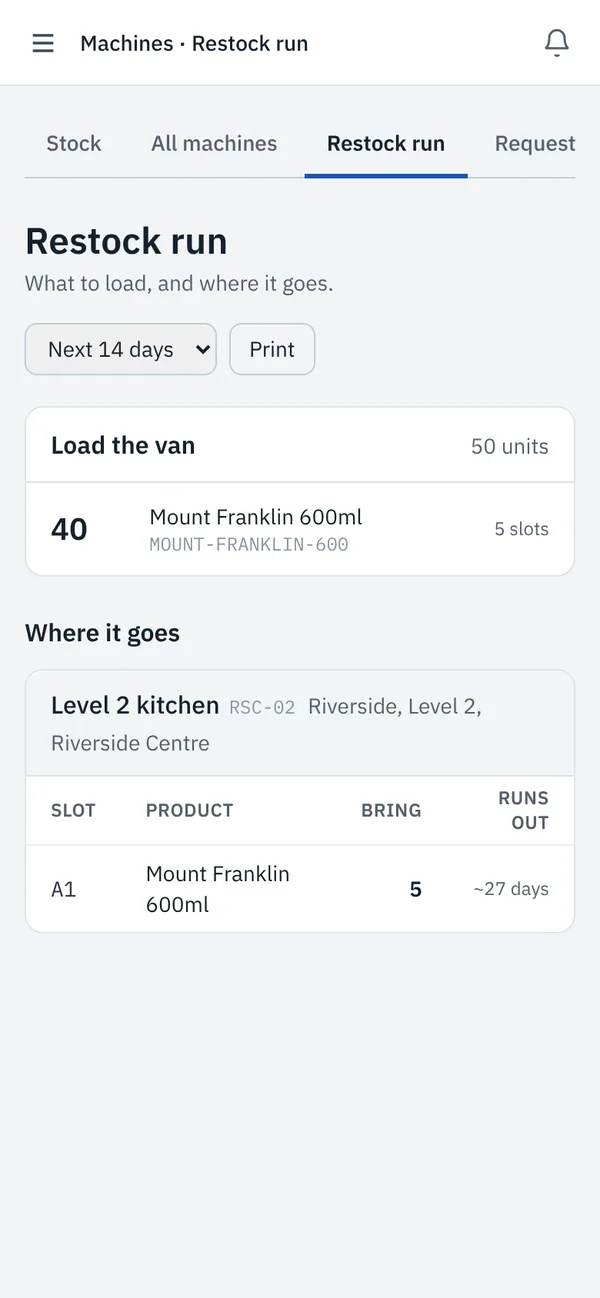
The load list for the van, then each machine slot by slot.
Cost prices from your POS exports show the profit on each line, kept private from your clients.
Clients see their own spend, staff and machines, and nothing else. Your cost prices stay private.
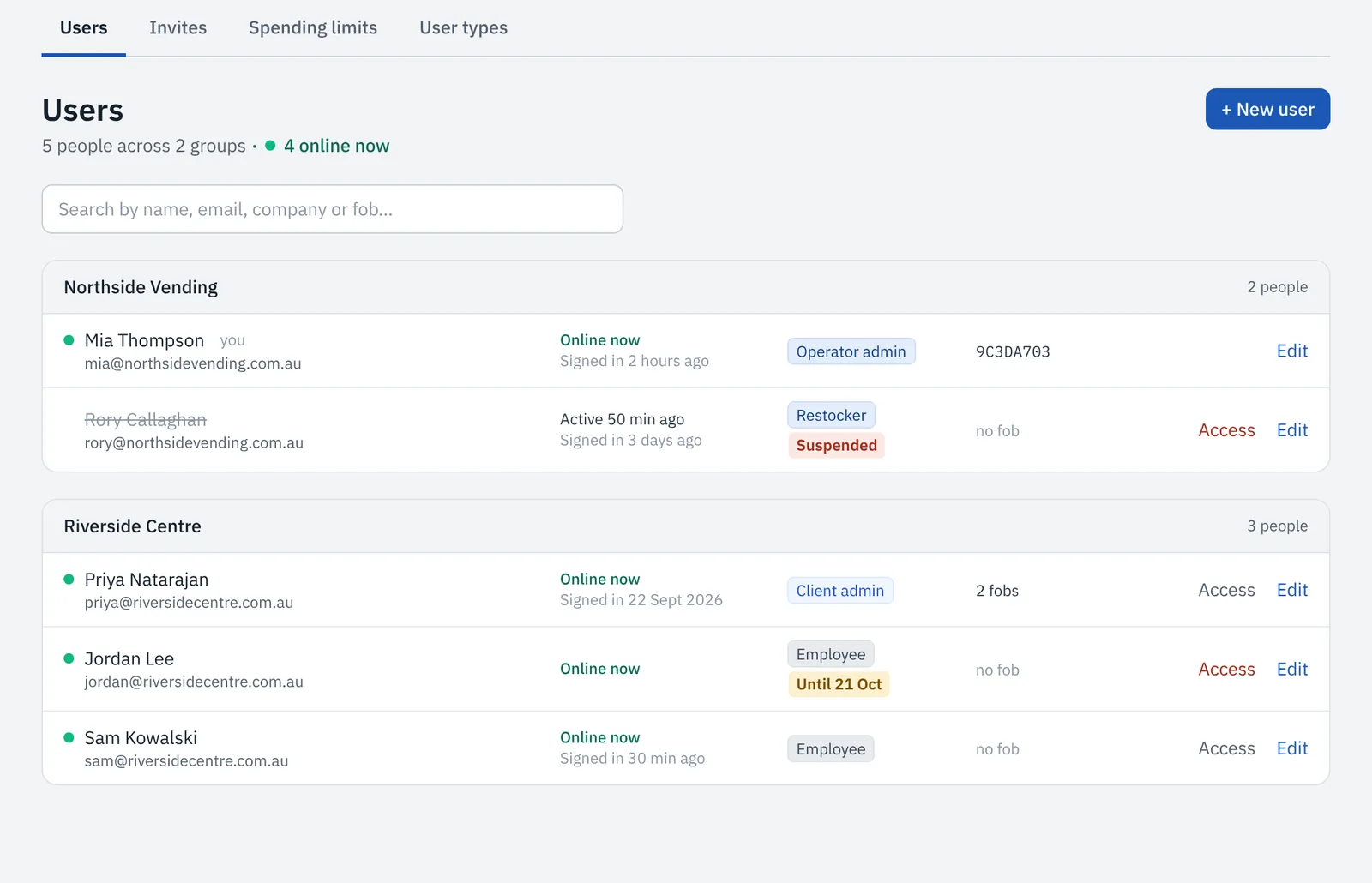
They enrol new fobs and block lost ones without waiting on you.
A daily spend and allowed hours for each person, or for the whole site.
Contractors and temps get access with an end date, or a suspension that lifts by itself.
Clients ask for new lines from the products you offer them.
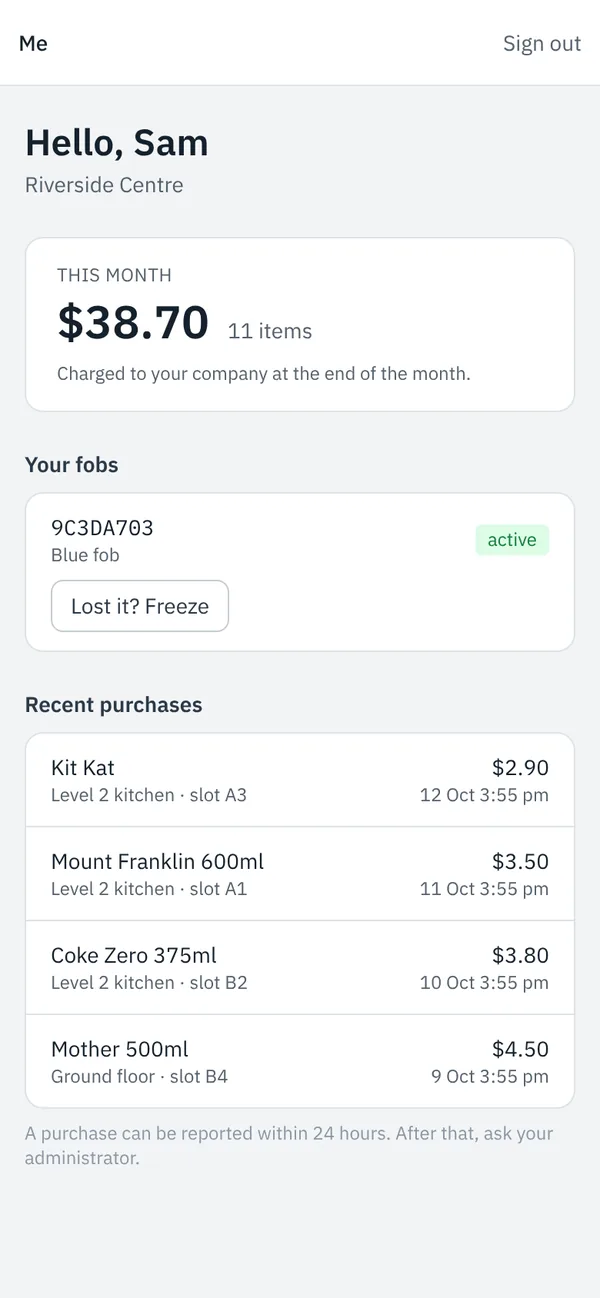
Everyone with a fob gets a simple page on their phone.